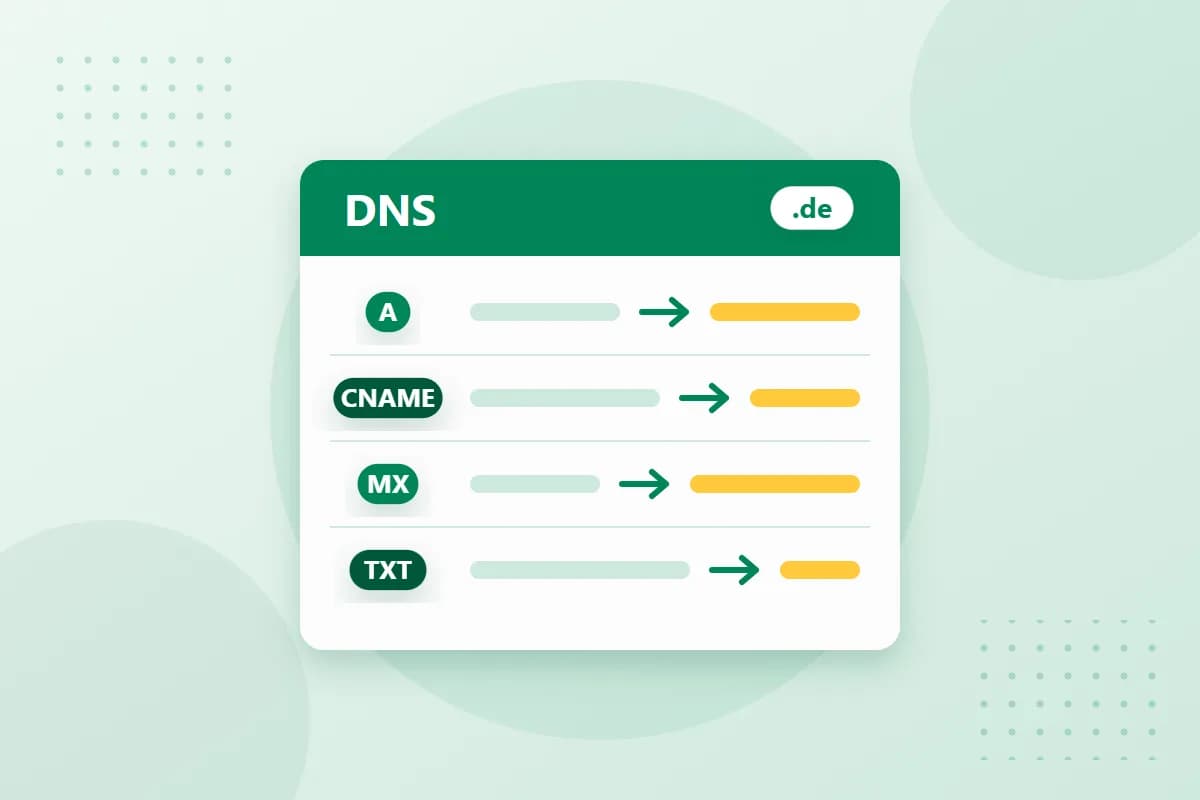
DNS in one sentence
The Domain Name System is the address book of the internet: it translates names like your-company.de into the numerical addresses at which servers can be reached. All records of your domain together form the DNS zone. It is stored on your provider's name servers.
A and AAAA: where is the website?
The A record links a name to an IPv4 address, for example your-company.de → 203.0.113.10. The AAAA record does the same for the longer IPv6 addresses. If your website moves to another server, these are exactly the records you change.
CNAME: the pointer to another name
A CNAME points not to an address but to another name: www.your-company.de → your-company.de or shop.your-company.de → shops.provider.example. This is handy for subdomains hosted by an external service. Important: a CNAME is not permitted for the main domain itself (without www), and no other record may exist under the same name next to a CNAME.
MX: where do emails go?
The MX record names the mail server that accepts email for your domain. Several MX records are given priorities: the server with the lowest number is tried first. Without a suitable MX record, emails to your addresses will not arrive reliably.
TXT: notes with an effect
TXT records contain freely chosen text. They are mainly used to prove that you own the domain – to search engines, for example – and for the email methods SPF, DKIM and DMARC.
TTL: how long is a record valid?
Every record has a lifetime in seconds, the TTL. This is how long other servers may cache the answer. Before a move, it is worth lowering the TTL a few days in advance so that changes take effect faster.
Conclusion
With A, CNAME, MX and TXT you now know the records most often needed in everyday use. At reg.de you manage all records in the Domain-Robot. Our DNS lookup shows which records currently apply to a domain. If you are unsure, our support team will help.