What a WordPress website consists of
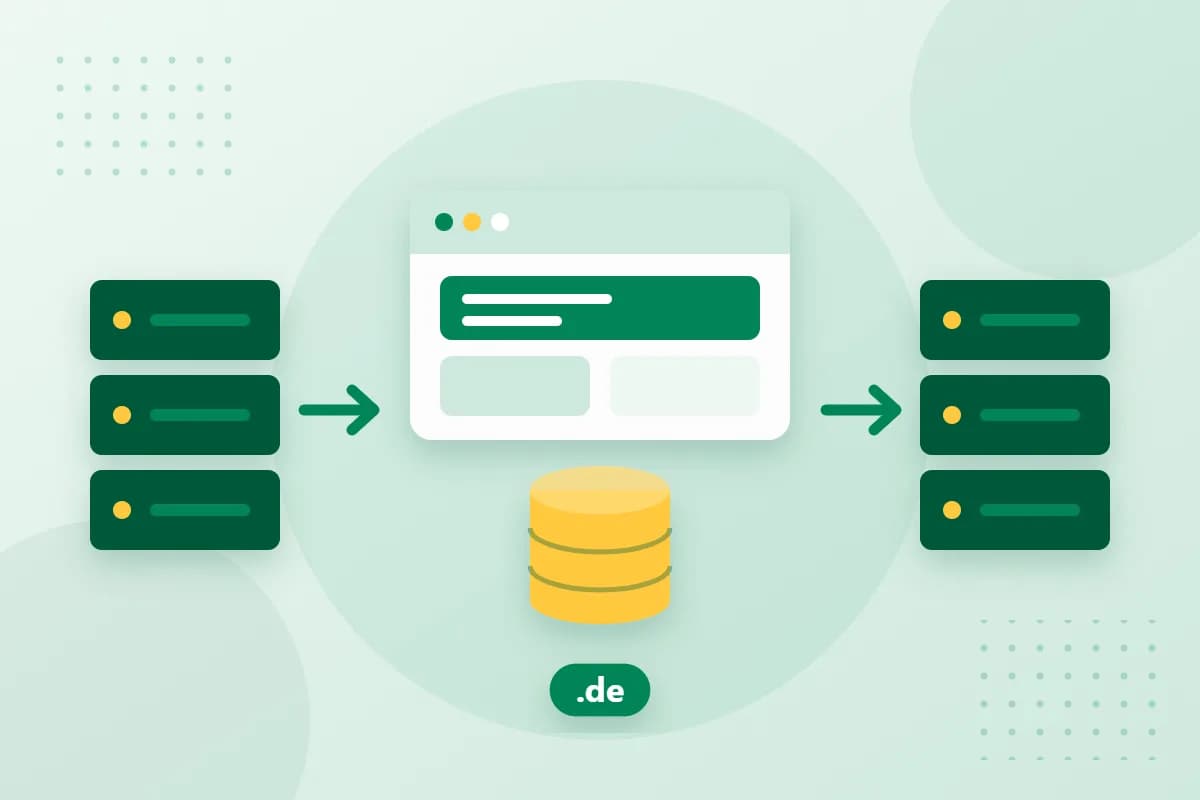
Every WordPress installation has two parts. The files contain WordPress itself, your theme, the plugins and all uploaded images. The database stores texts, settings, user accounts and comments. If one of the two parts is missing or does not match the other, the site will not work at the new location.
Step 1: Create a complete backup
Download all the files of your website and export the database as an SQL file. Many backup and migration plugins do both in one go and create a package that can be restored at the destination. Keep this backup until the move is complete.
Step 2: Prepare the new home
Set up the hosting package and an empty MySQL database with the new provider. Make sure the storage space and PHP version suit your website. For a typical WordPress site the Starter package is enough; for shops and image-rich sites, Advanced or Premium are recommended.
Step 3: Transfer files and database
Upload the files to the new web space and import the database. Then enter the name of the new database, the user and the password in the wp-config.php file. These three details are the most common source of errors – if they are wrong, a message appears saying that no connection to the database could be established.
Step 4: Test before it gets serious
Check the website at the new location while your domain still points to the old server. Click through the most important pages and test forms, search, login and – if you have one – the checkout. Only when everything works does the next step follow.
Step 5: Switch the domain
Now change the DNS record of your domain to the new server. If you lowered the TTL a few days beforehand, visitors will reach the new site within a short time. During the transition you should not publish new posts, so that nothing is left behind on the old server.
Step 6: Follow-up
- Set up the SSL certificate for the domain at the new location.
- Remember your mailboxes: if they are with the old provider, they move separately.
- Only cancel the old hosting once the new site has been running stably for a few days.
Conclusion
Back up, prepare, transfer, test, switch: in this order WordPress moves without interruption. You will find all packages on our web hosting page, and our support team will help with any questions.