Why emails end up in spam
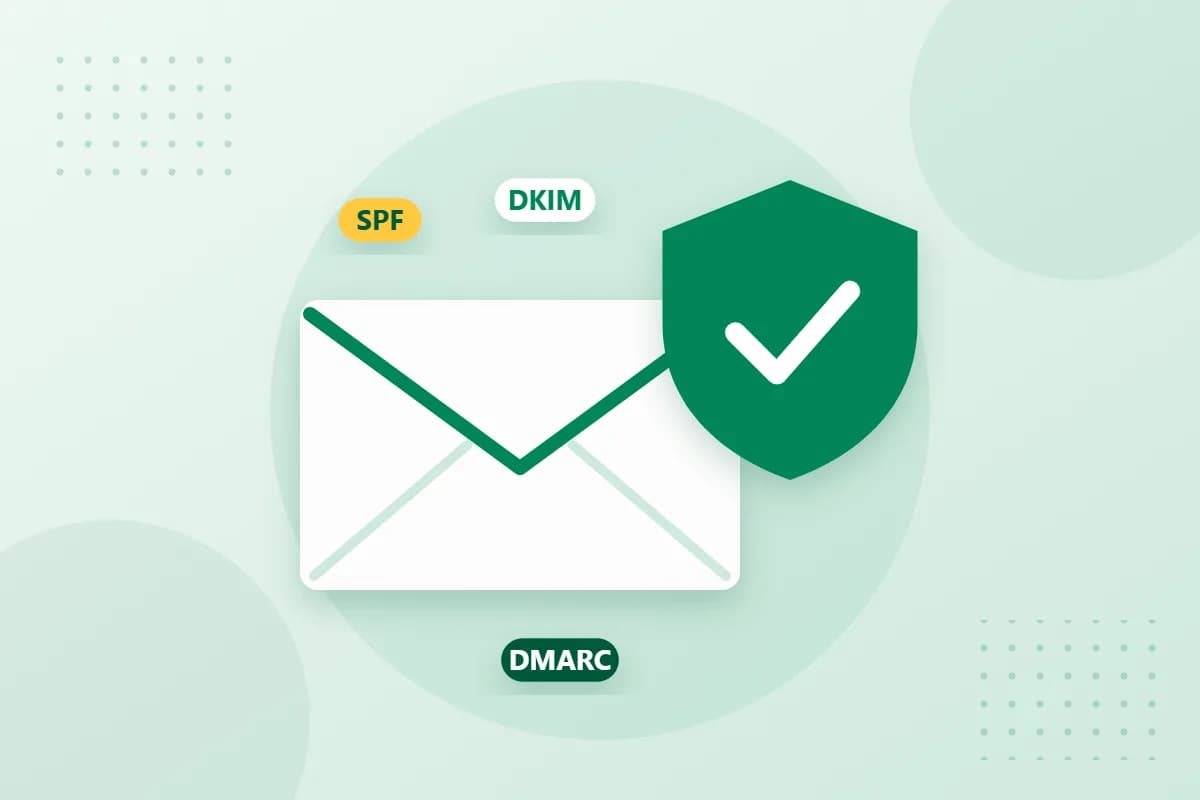
Email was originally invented without any authenticity check: any server can claim to be writing on behalf of [email protected]. Spammers and fraudsters exploit exactly that. Mail providers therefore check whether a message demonstrably comes from the domain shown as the sender. Without this proof, messages are filtered out more often. Since 2024, Gmail and Yahoo, for example, have required senders of large volumes to use all three of the following methods.
SPF: Who may send for your domain?
The Sender Policy Framework is a TXT record in your DNS zone. It lists all servers that are allowed to send email for your domain – for example your mail provider and a newsletter service. A record looks something like this: v=spf1 include:mail.your-provider.de -all. The final -all means that no other server is authorised.
DKIM: The digital signature
DomainKeys Identified Mail adds a cryptographic signature to every outgoing message. You publish the matching public key as a DNS record. The recipient can then check whether the email really comes from you and was not altered on the way. The key is usually generated by your mail provider; you only need to add it.
DMARC: The rule for when things go wrong
DMARC combines SPF and DKIM and specifies what should happen to messages that fail both checks. At the same time you receive reports about who is sending in your name. A gradual approach is recommended:
- Start with
p=noneto collect reports first. - Check that all legitimate senders are covered correctly.
- Then switch to
p=quarantineand later top=reject.
How to set up the records
You manage all three records in the DNS settings of your domain. At reg.de you can do this conveniently in the Domain-Robot. Tip: think of every service that sends email in your name – your online shop, accounting software or CRM also belong in the SPF record.
Conclusion
SPF, DKIM and DMARC are a must today for anyone who sends business email. Once set up, they noticeably improve deliverability and protect your .de domain from misuse. Our support team will be happy to help you with the setup.